 Secure Desk
Less Downtime. More Time for What Matters.
Help employees across every office from your desk. Secure Desk gives your helpdesk a fast, secure way to see the problem and fix it — without the drive.
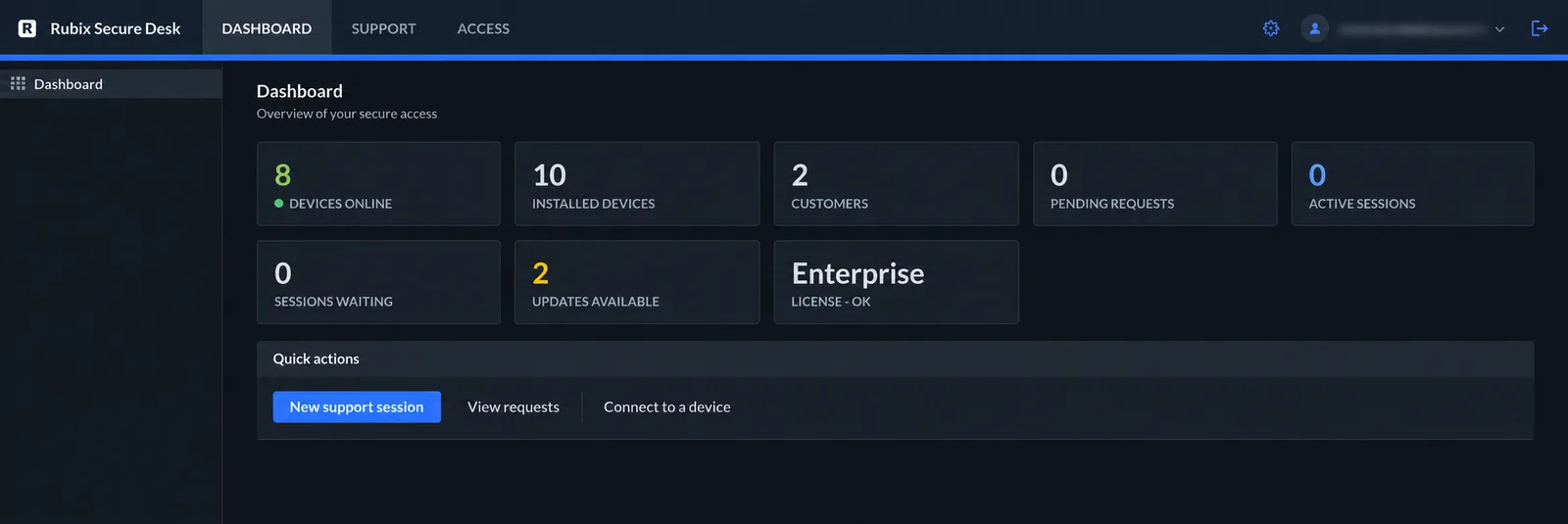
Sound familiar?
Tickets pile up
Simple problems wait hours because someone has to walk over — or drive to another site.
“Can you see my screen?”
Phone calls and screenshots go back and forth while the real fix waits.
Devices everywhere
Laptops, meeting rooms and servers spread across offices, homes and networks.
Practical tools for exactly this job.
Remote helpdesk
Send a join link and see the employee's screen in seconds. No install, no admin rights needed.
Multiple offices
Every device dials out to your relay — no VPN or inbound firewall rule per site.
Company devices
Enroll laptops and servers once and reach them any time, even at the sign-in screen.
Fewer onsite visits
Fix drivers and services remotely with secure elevation and background tools.
Updates handled
Enrolled clients update themselves from your relay every six hours.
Fits your identity setup
Two-factor sign-in, or SSO with Microsoft Entra or Google on Team and Business.
One console for your whole helpdesk.
Attended help for quick fixes, unattended access for managed machines — in the same browser console.
- View-only or full control
- Chat, voice call and clipboard
- File transfer in either direction
- Backstage SYSTEM shell on enrolled PCs

Common questions
Which plan fits an internal IT team?
Small teams can start on free Starter (1 operator, 3 enrolled devices). Team covers up to 10 operators and 100 devices for $249/year; Business adds unlimited operators, 1,000 devices, roles and an audit log for $499/year.
Can I support employees working from home?
Yes. Their Windows PC only needs to reach your relay over the internet — no VPN or inbound port is needed on their network.
Can I fix things that need admin rights?
Yes. On Team and Business, elevate a session with the machine's own admin account, or use backstage on enrolled devices.
Do employees' Macs work?
Not as supported devices — Secure Desk supports Windows endpoints. Technicians can use any modern browser, including on a Mac.
Give your helpdesk a faster way to help.
Start free and connect your first Windows PC today.